Handle each
item once
Photograph an item, add what you know and move on. NowWhat fills in the listing, and you fix what it flags.
List on iPhone. Review on Mac.

Your photos and words become a listing
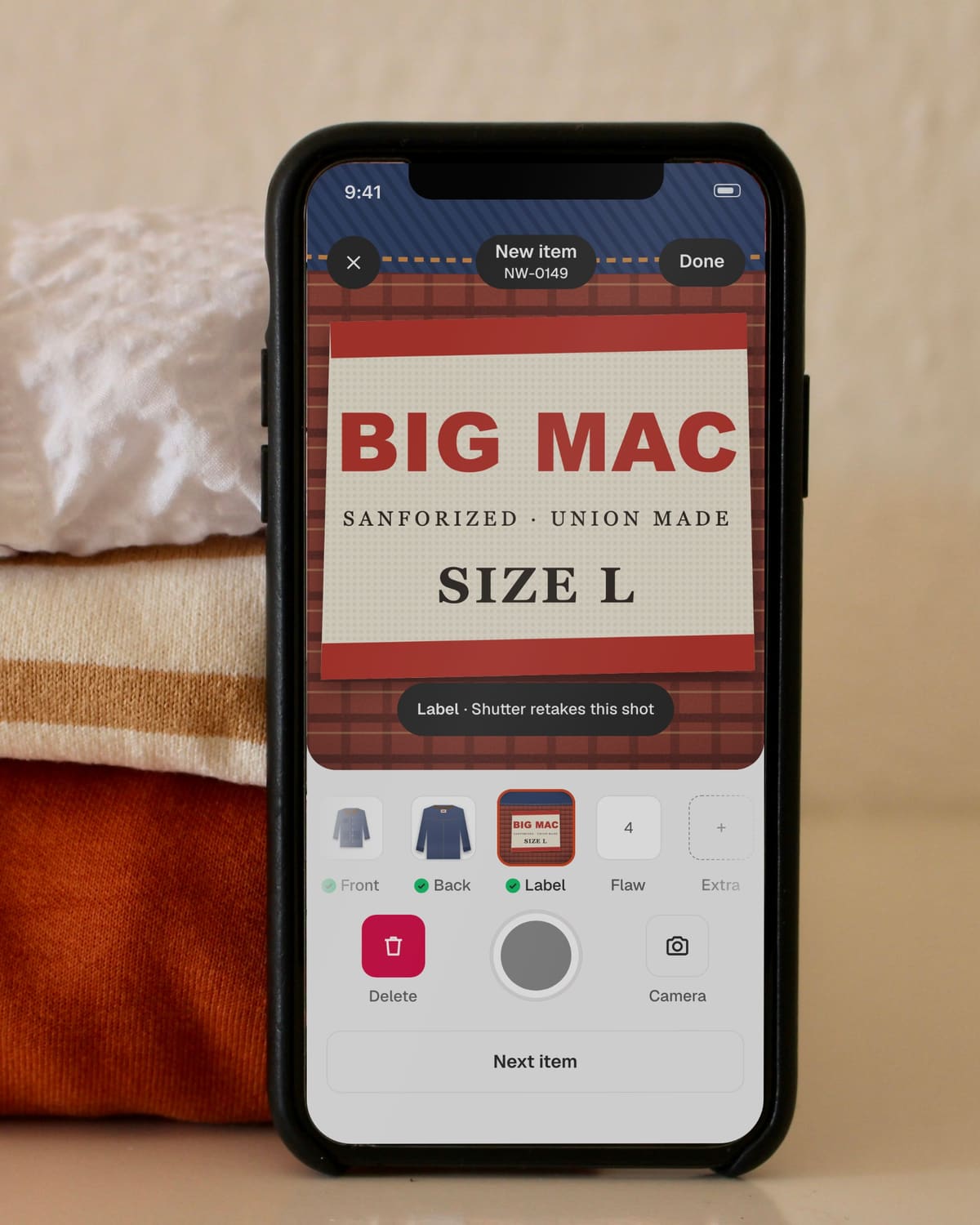
Say the details as you shoot. NowWhat fills in brand, size, condition and the rest.
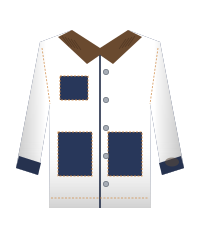

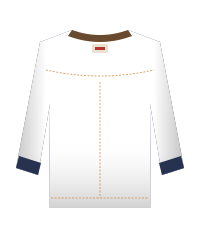
- 0:01“Big Mac chore coat, a medium, blanket lined”
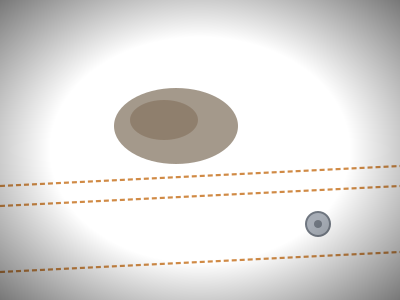
- 0:04“Stain on the cuff, seams are faded”
- 0:07“Pit to pit, twenty-four”
- 0:09“Asking one twenty”
Details
- BrandBig Mac
- TypeChore coat
- SizeL
- ColorIndigo, brown
- MaterialDenim
- LinedYes
- Pit to pit24 in
- FlawsCuff stain, faded seams
- Price$120
It flags what
needs you
A missing size or a tag that disagrees with your note waits for you. NowWhat never makes up a detail.
- As it arrivesBig Mac chore coatFilling in the fieldsNW-0149Working
- When it needs youBig Mac chore coatSize conflictNW-0149Needs you
- Ready to exportBig Mac chore coatL · $120NW-0149Ready
Open a flagged item to see what the tag says and hear what you said. Then you pick.
The label and your voice note differ. Pick the right one.
LOn the labelCapture never waits. Keep shooting with no signal, and your items sync on their own once you’re back online.
See the whole
batch at once
Your items open on your Mac while your phone is still capturing. Review and edit them there, and add fields of your own.
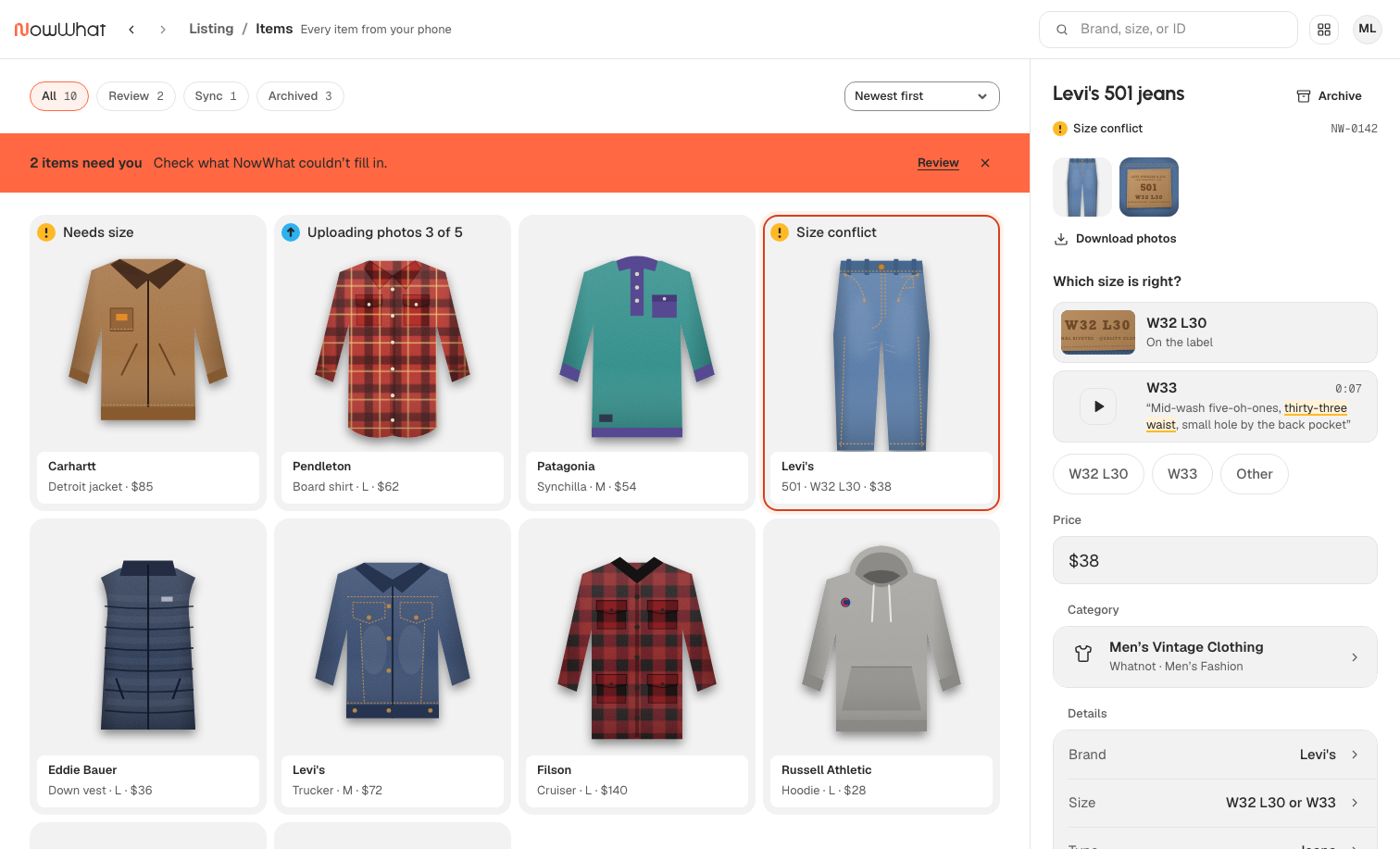

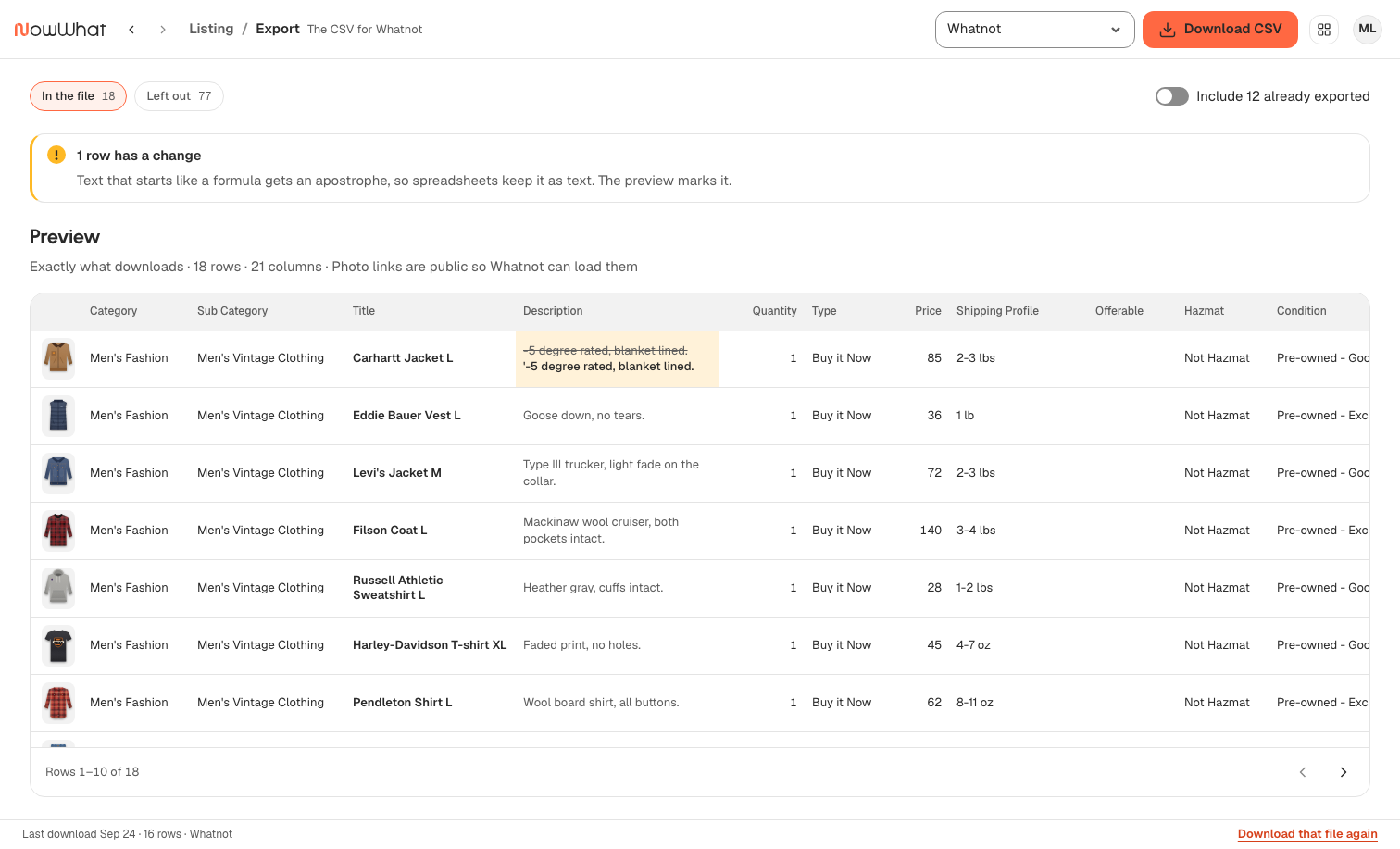
When the batch is ready, preview the rows, fix what blocks them and download a CSV your marketplace imports. Start from a ready-made layout or bring the template you already use.
Sign in to download the Mac app