Longer shows,
less juggling
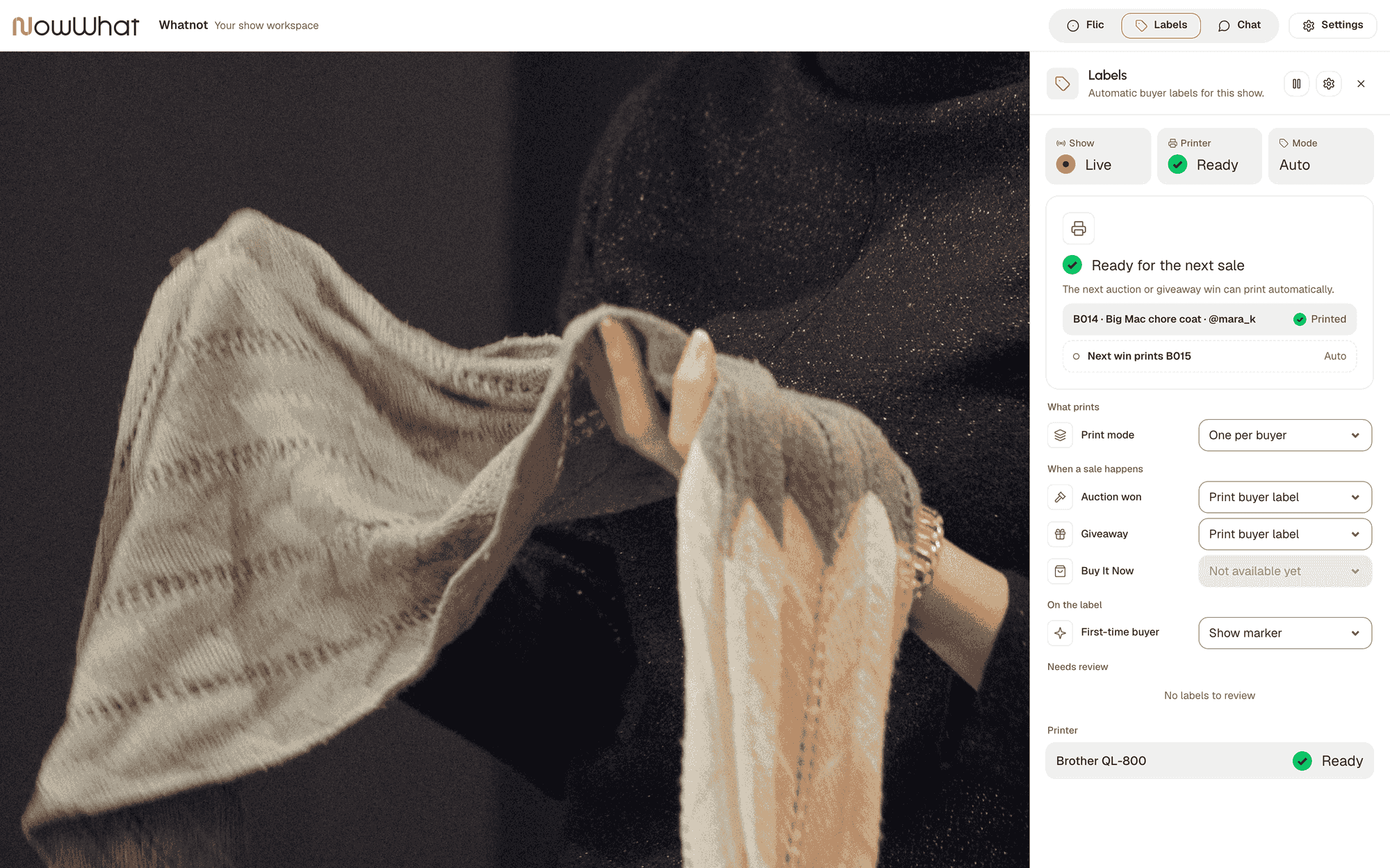
The Mac app sits beside your live show and takes on the jobs that pull you away from the camera.
For Macs with Apple silicon.

Launch actions
with one press
Pair a button and choose what each press does. Start an auction while you hold the item up to the camera.
- Quick flipPinned item price · 5s
- Long auctionPinned item price · 30s
Pack orders
without guessing
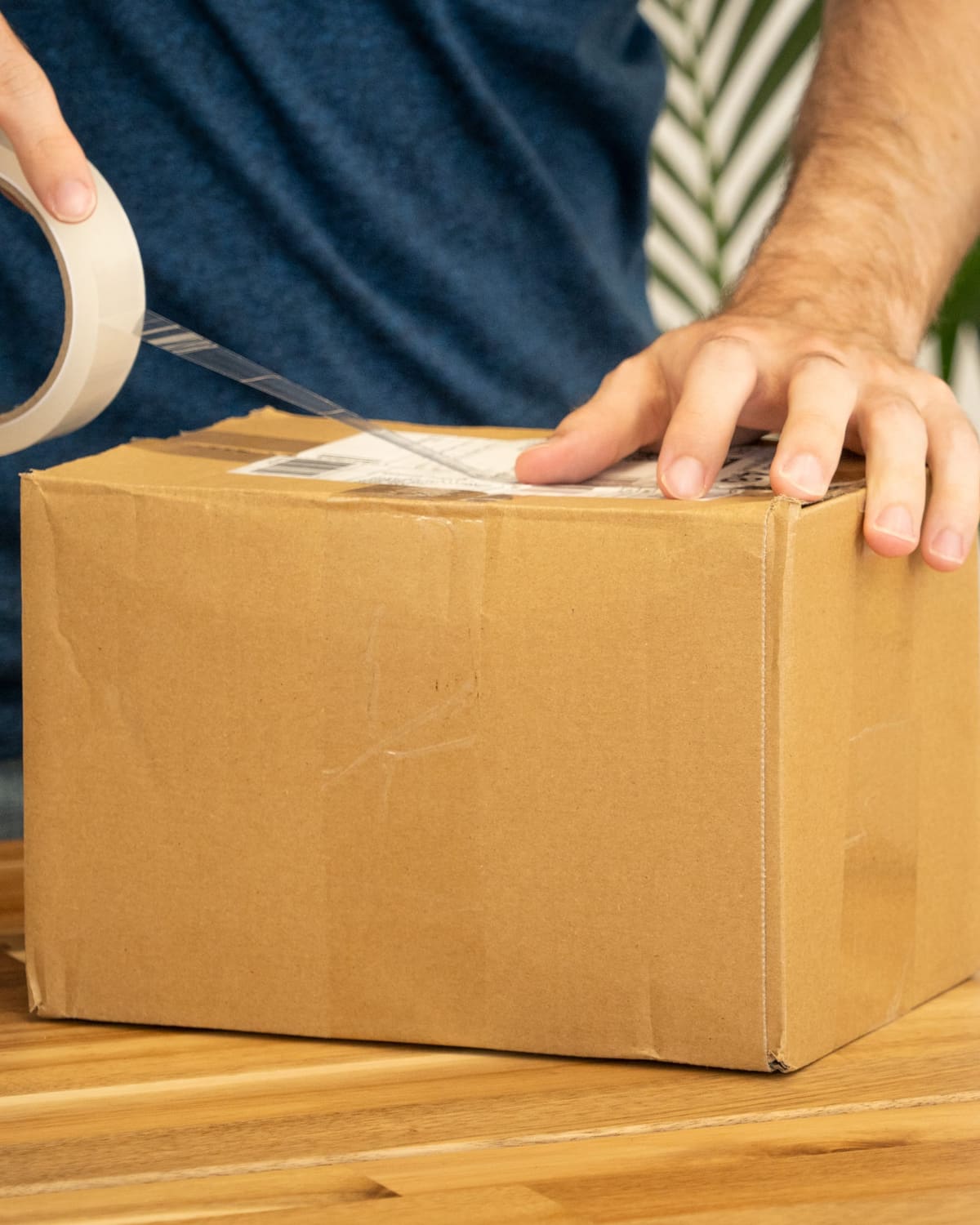
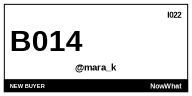
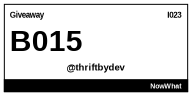
A label prints as each item sells, with the buyer and the item’s number, so every item is marked before you pack.
It prints on the label printer already connected to your Mac, and you can preview it first.
Thank buyers
while you sell
Buyers hear from you at the right moments, and you never stop selling to type.
You choose the words, the timing and which messages are on.
Your show stays
in the middle
Sign in with your NowWhat account and link the account you sell from, once. Your show fills the window, with the tools beside it.
Updates never restart the app mid-show. For Macs with Apple silicon.
Request access